
A Jellyfin client for TVs, phones and tablets
Your media, beautifully.
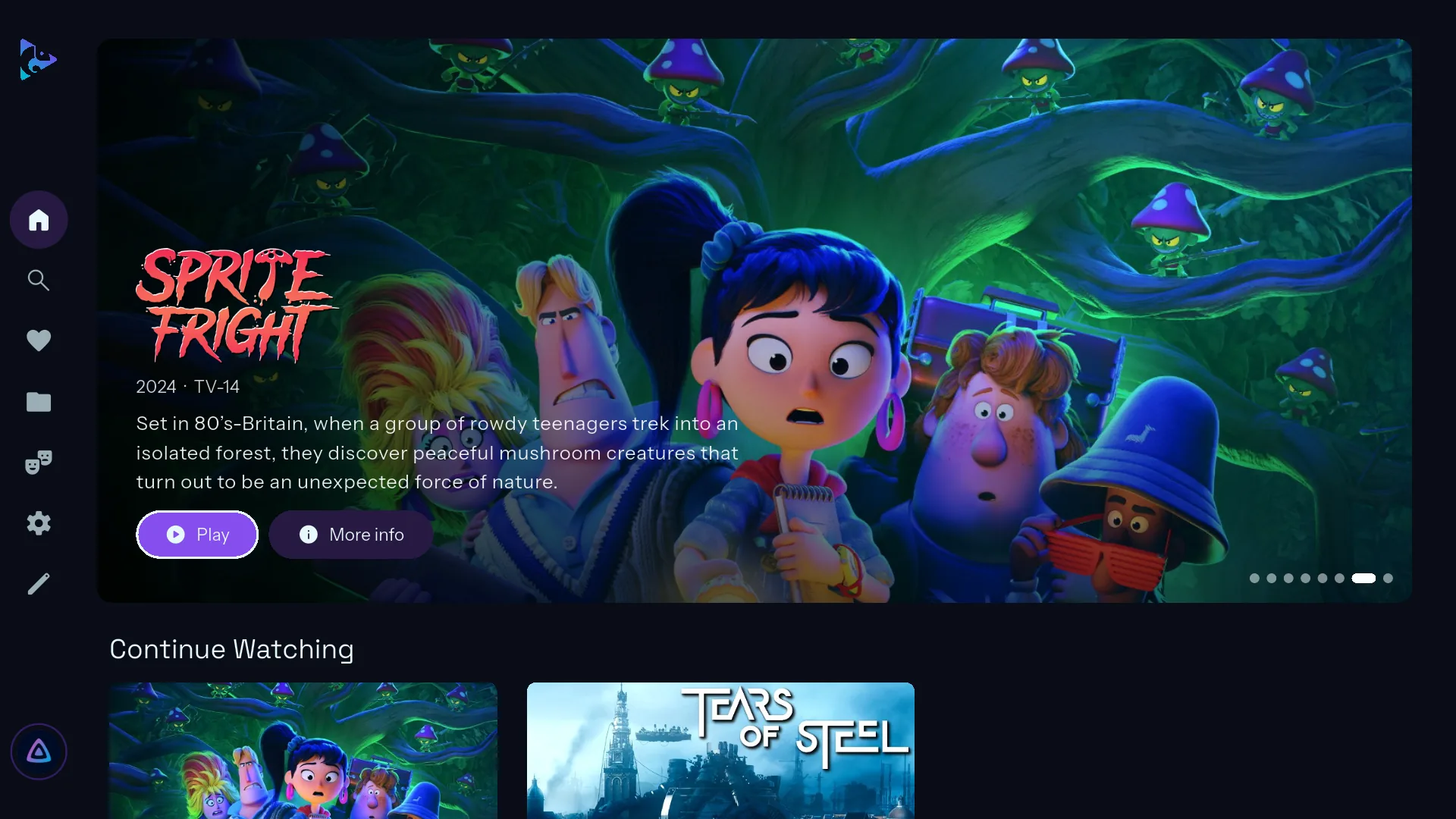
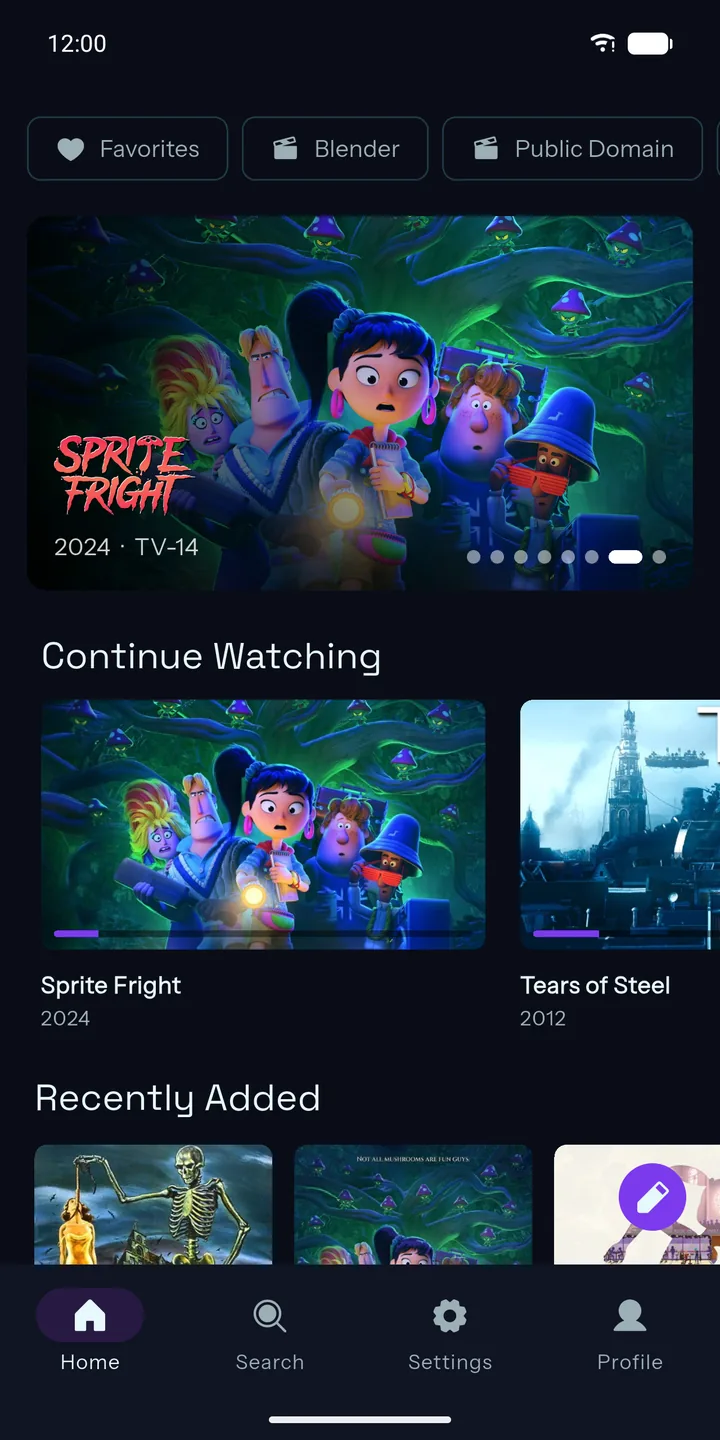
One app for every screen: built for the remote on Android TV and Google TV, and for your thumb on phones and tablets. Every feature included — free, with no ads and no paywall.
Needs your own Jellyfin server.
- Free, for realEvery feature included. No ads, no subscription, no unlock.
- Dolby Vision & HDRHDR10, HLG, HDR10+ and Dolby Vision where your TV supports it.
- Lossless soundDolby Atmos, DTS and TrueHD passed straight to your receiver.
- Every screenAndroid TV, Google TV, phones and tablets. Same look, same settings.
Built for the remote
Made for the big screen.
Big artwork, clear focus and rows that glide with your remote. Everything is a click or two away, from the couch.
- Build your own home: Continue Watching, Next Up, Recently Added, Because You Watched, genres, collections and more, in any order.
- One menu for it all: search, favorites, genres and every library.
- Sign in with Quick Connect: no typing passwords on the TV.
- A screensaver that fits: your library's artwork, a poster wall, a clock or a floating logo.
New Trailer previews
Trailers, right where you're looking.
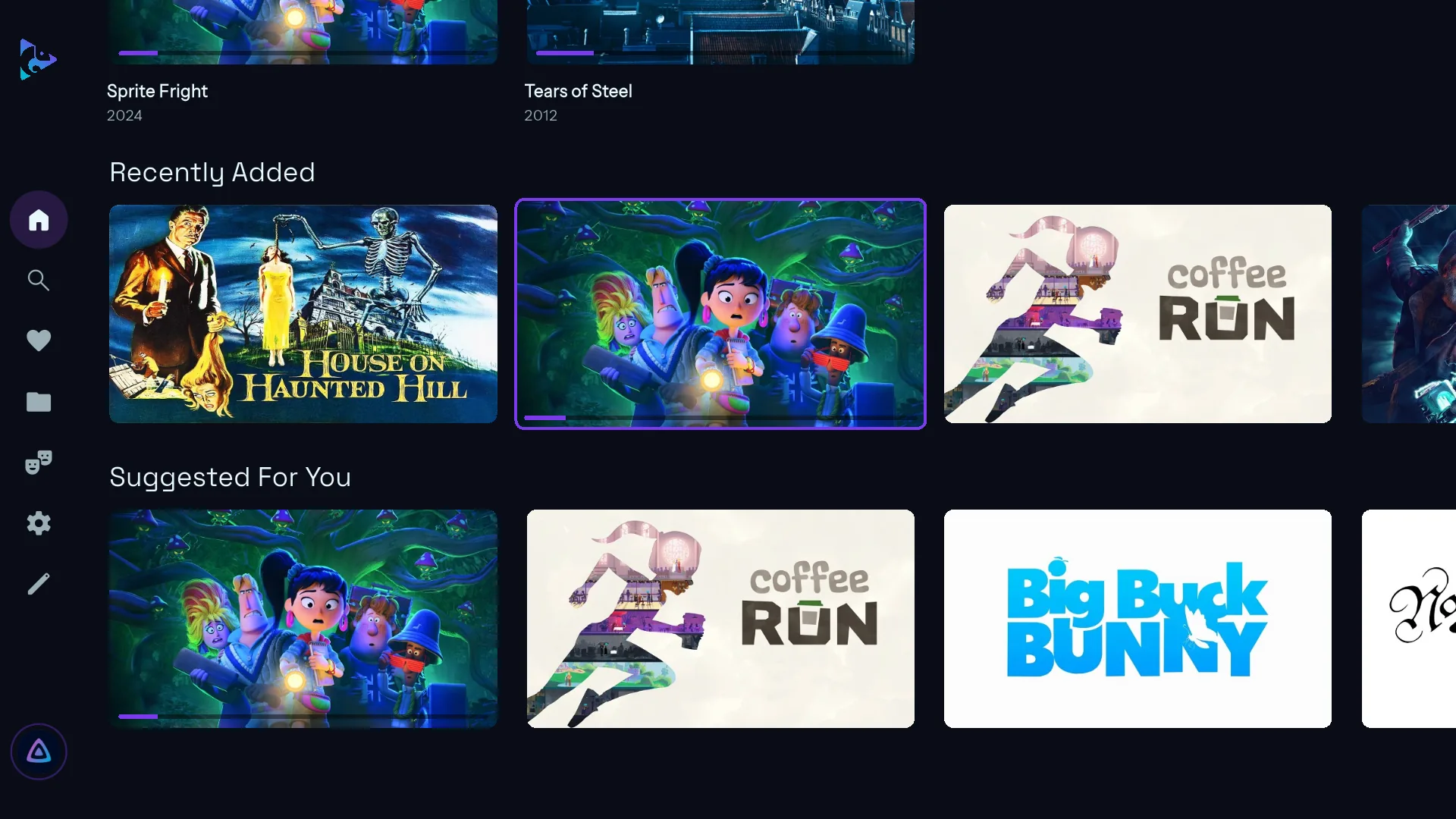
Rest on a movie or show for a moment and its trailer starts playing right in the card. Posters widen to fit it, and the featured banner plays one too.
- Your server's trailers first, then the title's trailer on YouTube.
- Your call: turn previews off, choose the delay, or play them with sound.
- A Trailer button on every movie and show page, too.
Customization
Make it yours.
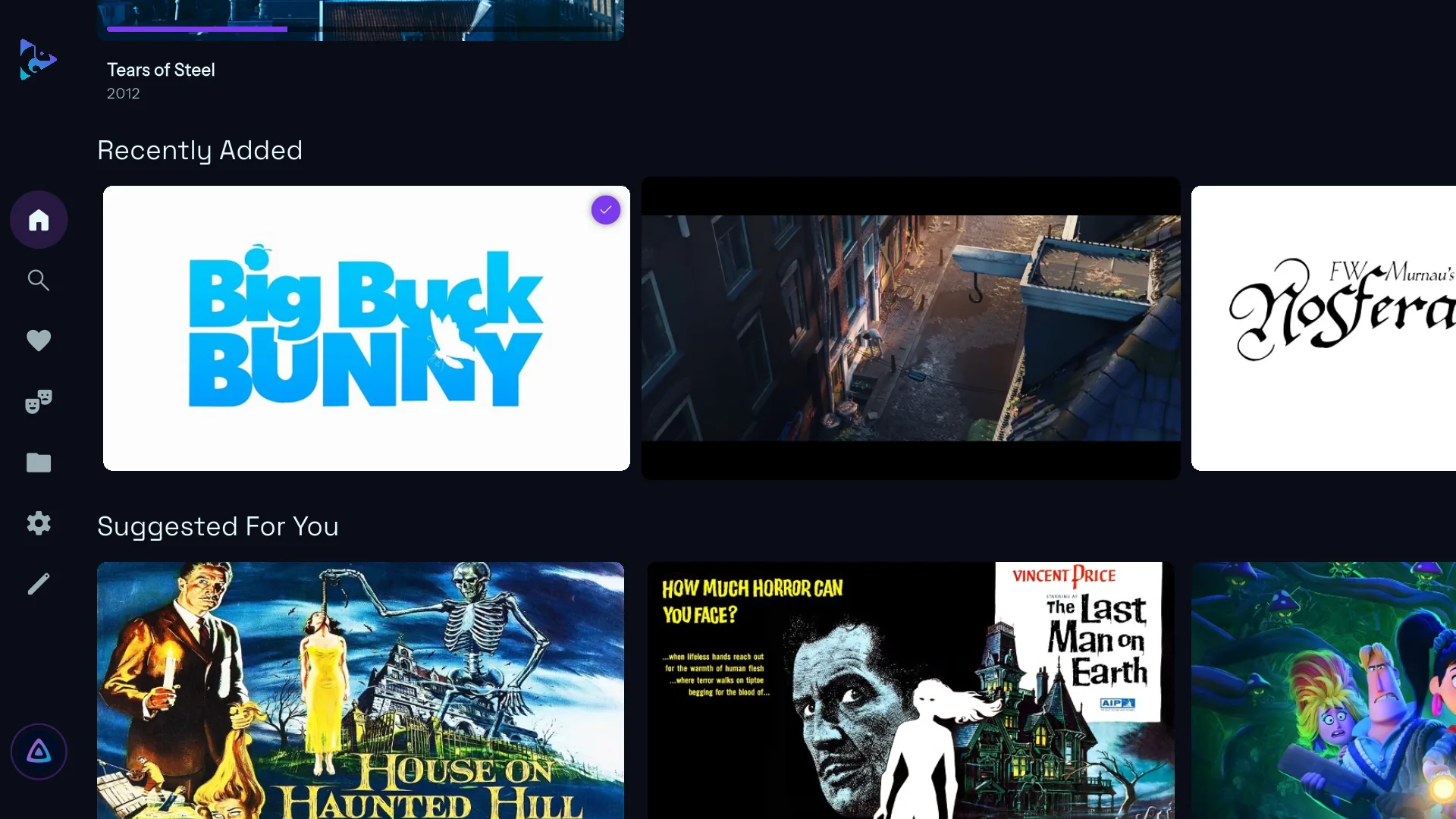
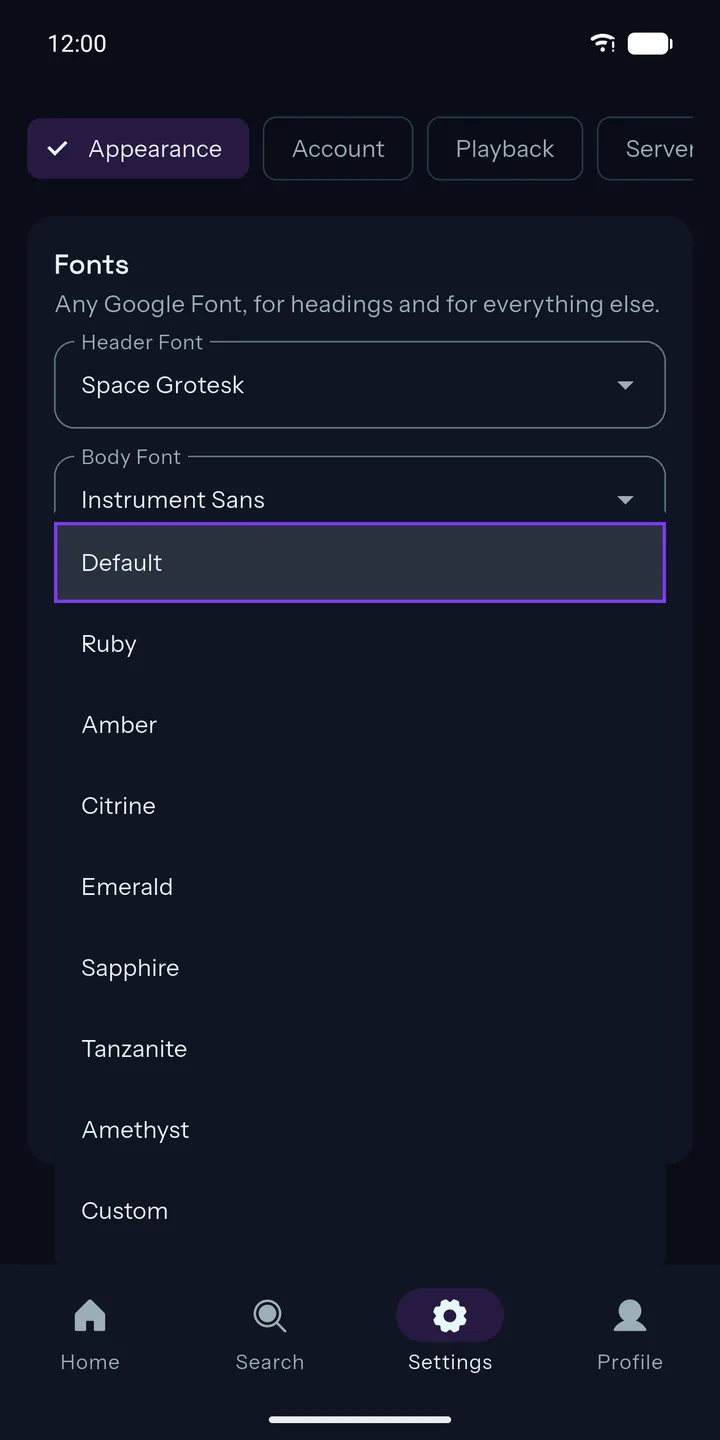
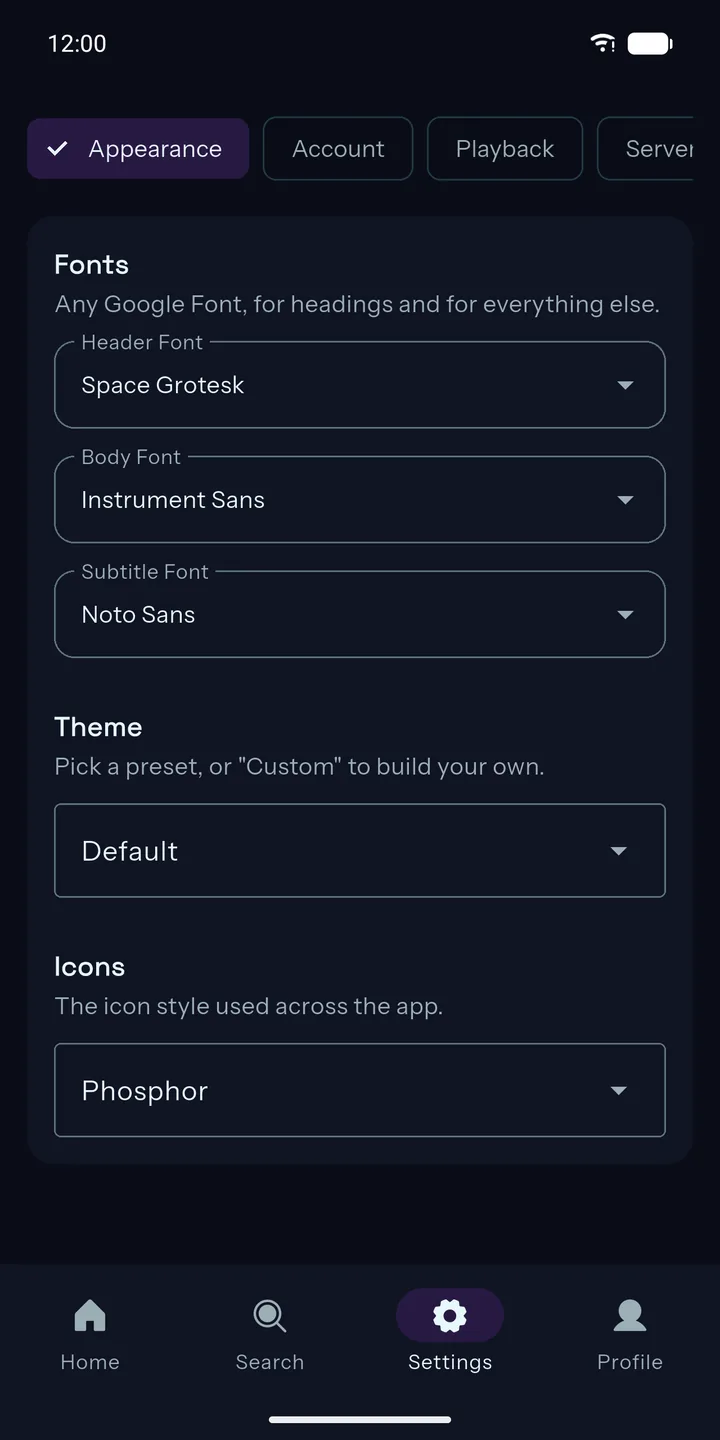
Chameleon changes to suit you. Pick a theme, or build your own from any two colors, then choose the fonts and icons to match.
- Eight themes, or a custom one from any two colors.
- Any Google Font for headings, text and subtitles.
- Five icon styles, and posters or thumbnails for every section.
- Profiles with their own theme, fonts and playback settings.
Try a theme: Default
Playback
Picture and sound, untouched.
Chameleon plays what your server has the way it was made: the best picture your TV can show, and surround sound sent to your receiver bit for bit.
High dynamic range
HDR plays as HDR, and Dolby Vision as Dolby Vision on devices that support it, with a second player engine standing by for anything the first can't handle.
Passthrough audio
Lossless and surround tracks go straight to your receiver or soundbar untouched, and decoded surround stays surround.
All the good stuff.
The features other Jellyfin apps keep behind a subscription or a one-time unlock are all here, for everyone.
Skip intros and credits
Automatically, or at the press of a button. Recaps too.
Thumbnail scrubbing
See where you're going as you seek, and jump through any library with the A–Z bar.
Up Next
The next episode starts on its own, with an "Are you still watching?" check.
Subtitles your way
Font, size, color, outline or background, and how high they sit.
Watch together
SyncPlay keeps everyone on the same frame, wherever they are.
Chromecast
Cast from your phone and use it as the remote.
Quality limits
Separate limits for Wi-Fi and mobile data, so you never burn through a plan.
Screensavers
Artwork, a poster wall, a clock or a floating logo, each with its own options.
Server at a glance
Check your server, scan libraries and see who's watching, right from Settings.
Take a look around.
Bring your library to life.
Free on Google Play for Android TV, Google TV, phones and tablets.
You'll need your own Jellyfin server. New to Jellyfin? Start here.